The Blog
Guides, tutorials, and field notes on exporting and analyzing social media comments at scale.
16 articles

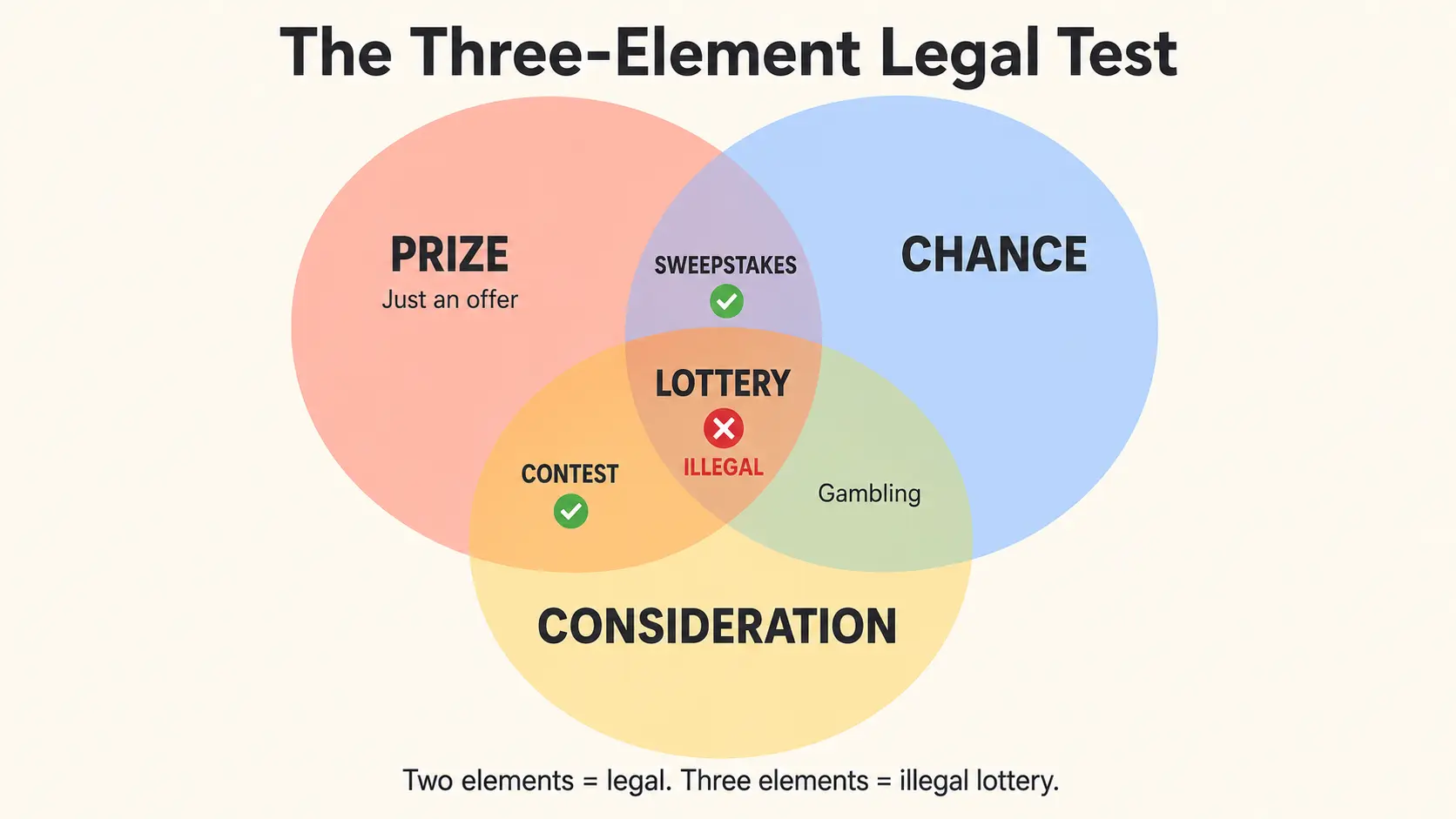
Instagram Giveaway Rules 2026: Complete Meta Compliance Checklist
Every Meta-enforced rule for Instagram giveaways in 2026: the mandatory disclaimer, banned mechanics, FTC disclosure, and a five-minute compliance checklist that prevents post takedowns.

How to Run an Instagram Giveaway: Complete 2026 Guide
Learn how to run an Instagram giveaway in 2026: Meta-compliant rules, a fair winner pick, and a six-step playbook that drives real engagement growth.

How to Export YouTube Comments in 2025: Every Method Compared
No built-in export button? No problem. Compare every method to download YouTube comments — from free no-code tools to Chrome extensions, Google Takeout, and the YouTube Data API.

How to Export TikTok Comments to Excel (2026 Guide)
Learn how to export all comments from any TikTok video to Excel, CSV, or JSON in minutes. Step-by-step guide with screenshots.

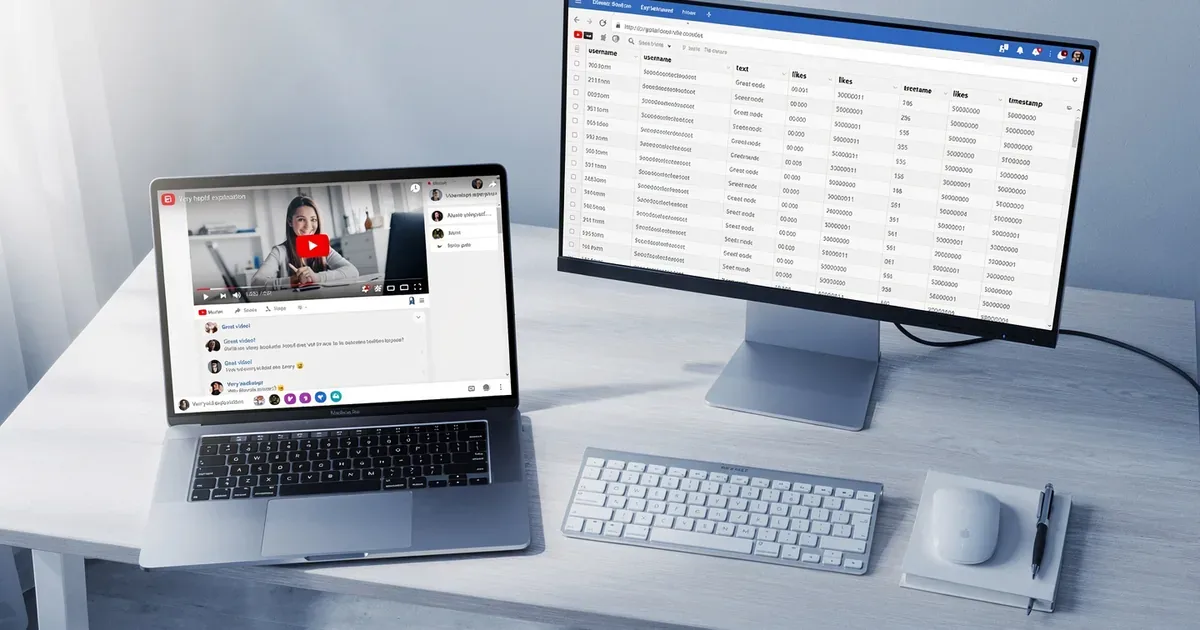
How to Export YouTube Comments for Analysis
A complete guide to downloading YouTube comments into spreadsheets for sentiment analysis, research, and content strategy.

How to Export Instagram Comments — Complete Guide
Export comments from Instagram posts and Reels to CSV, Excel, or JSON. Perfect for brands, agencies, and influencer marketing.

How to Analyze Social Media Sentiment with AI
Learn how AI-powered sentiment analysis works on social media comments and how to use it for brand monitoring and content strategy.

Export Twitter/X Replies — Complete Tutorial
How to export replies and quote tweets from any X (Twitter) post. Perfect for tracking discussions, brand mentions, and trending topics.

How to Run a TikTok Giveaway with Comment Export
Step-by-step guide to running a fair TikTok giveaway using comment exports. Pick random winners, filter duplicates, and verify entries.

Export Comments in One Click with the Chrome Extension
Install the ExportComments Chrome extension to export comments directly from TikTok, YouTube, Instagram, and X without leaving the page.